Spend Insights: real-time report updates

From February 25, 2026, you will be able to generate updated reports directly from the Spend Insights tab of the Portal.
What's new?
We are enhancing the Spend Insights tab of the Codat Portal so that you can manage, refresh, and export reports faster and at scale.
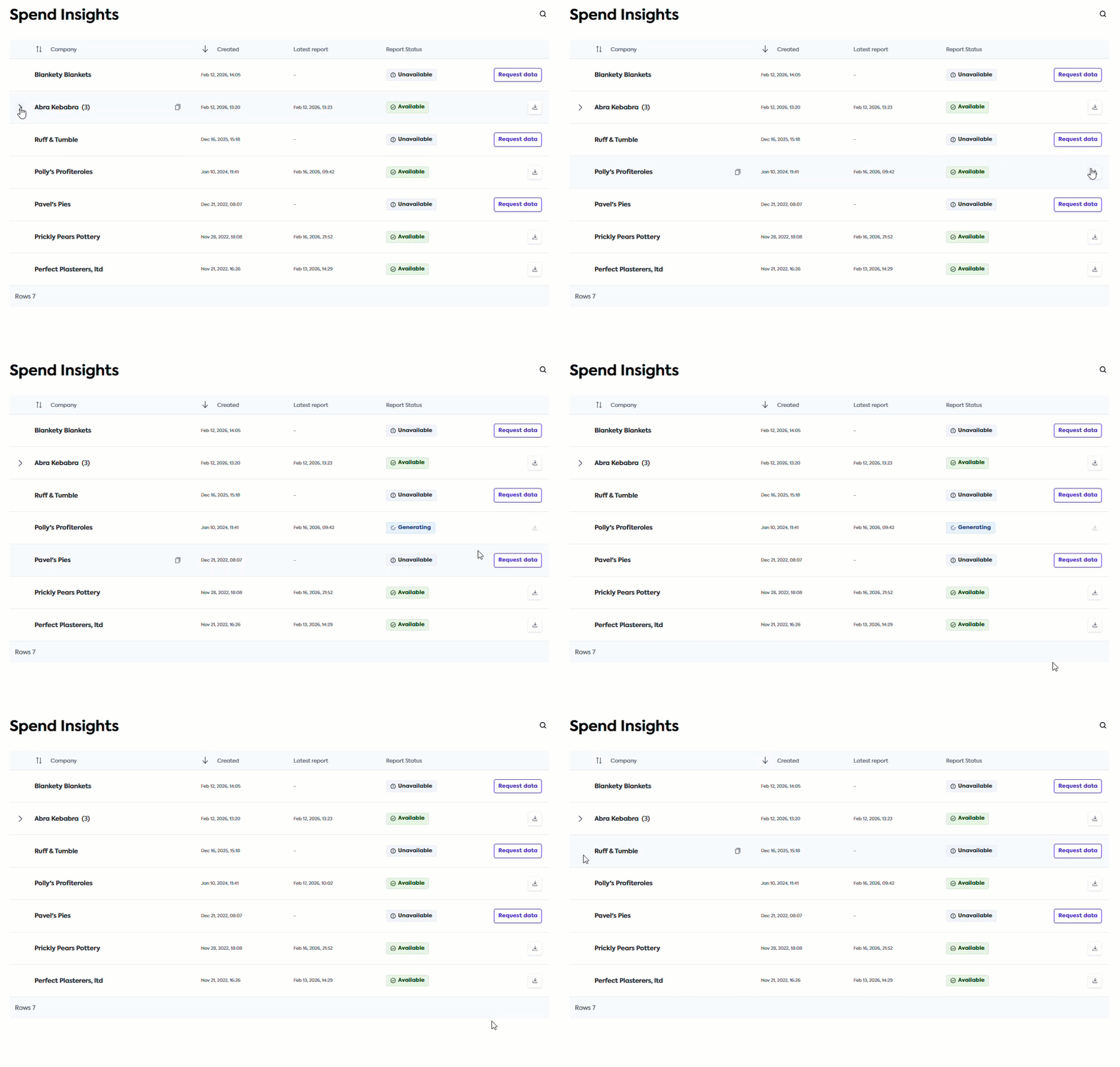
From February 25, 2026, you will be able to generate updated reports directly from the Spend Insights tab by following these steps:
-
Navigate to the Spend Insights tab in the Codat Portal.
-
Search or scroll to locate the companyCompany In Codat, a company represents your customer's business entity. Companies can have multiple connections to different data sources. you require reports for.
-
Click the Download icon on the companyCompany In Codat, a company represents your customer's business entity. Companies can have multiple connections to different data sources. line to view the dropdown menu.
-
Click Update reports in the dropdown menu.
-
Track the progress by checking the Report Status column. Once updated, the status will change from Generating to Available.
-
Click the Download icon again, then click on the report line item to save it.
We are also centralizing the companyCompany In Codat, a company represents your customer's business entity. Companies can have multiple connections to different data sources. creation functionality. To create a new companyCompany In Codat, a company represents your customer's business entity. Companies can have multiple connections to different data sources., navigate to Companies in the navigation bar and click Create companyCompany In Codat, a company represents your customer's business entity. Companies can have multiple connections to different data sources..
Who is this relevant for?
This update is relevant for all Spend Insights clients, helping you leverage your customers' data at enterprise scale.
How to get started?
If you are already using our Spend Insights solution, no further action is required. This update will automatically be available to you from February 25, 2026.
If you want to start using our Spend Insights solution, reach out to your account manager.